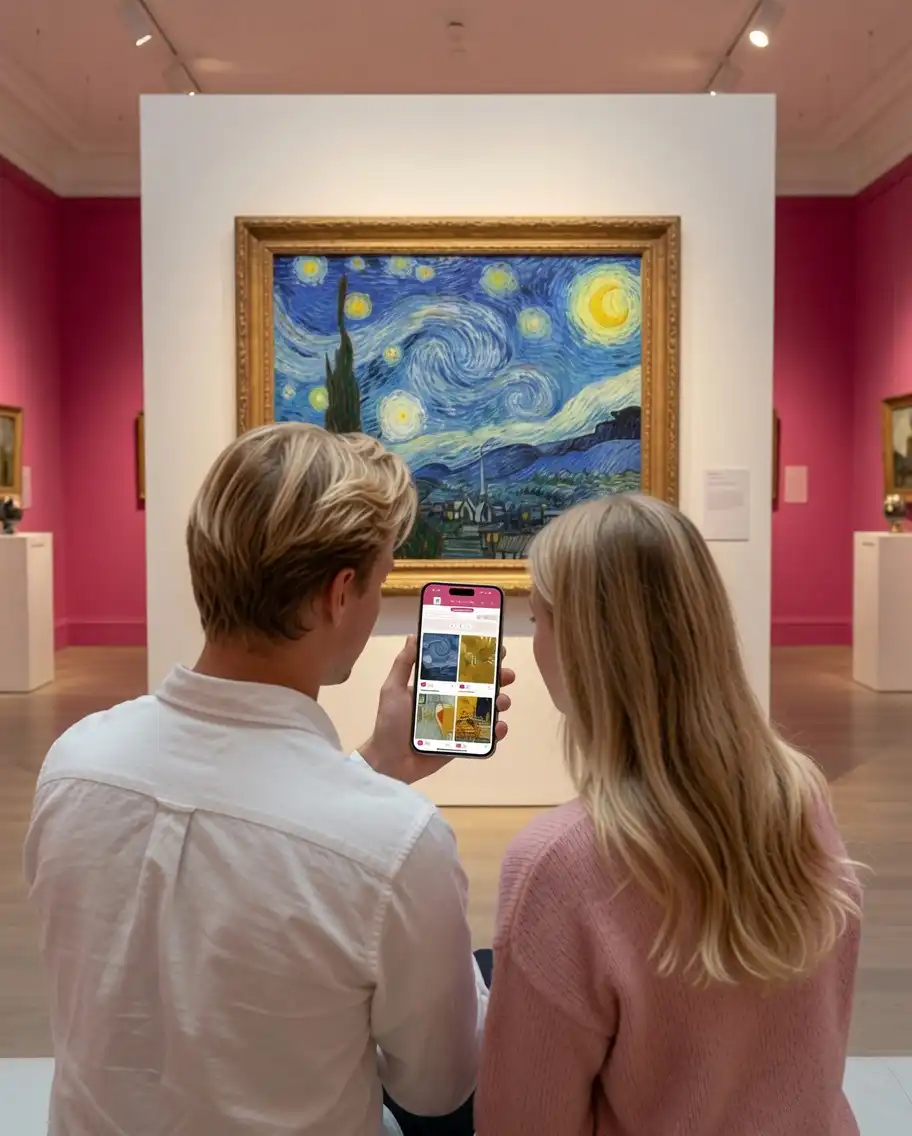
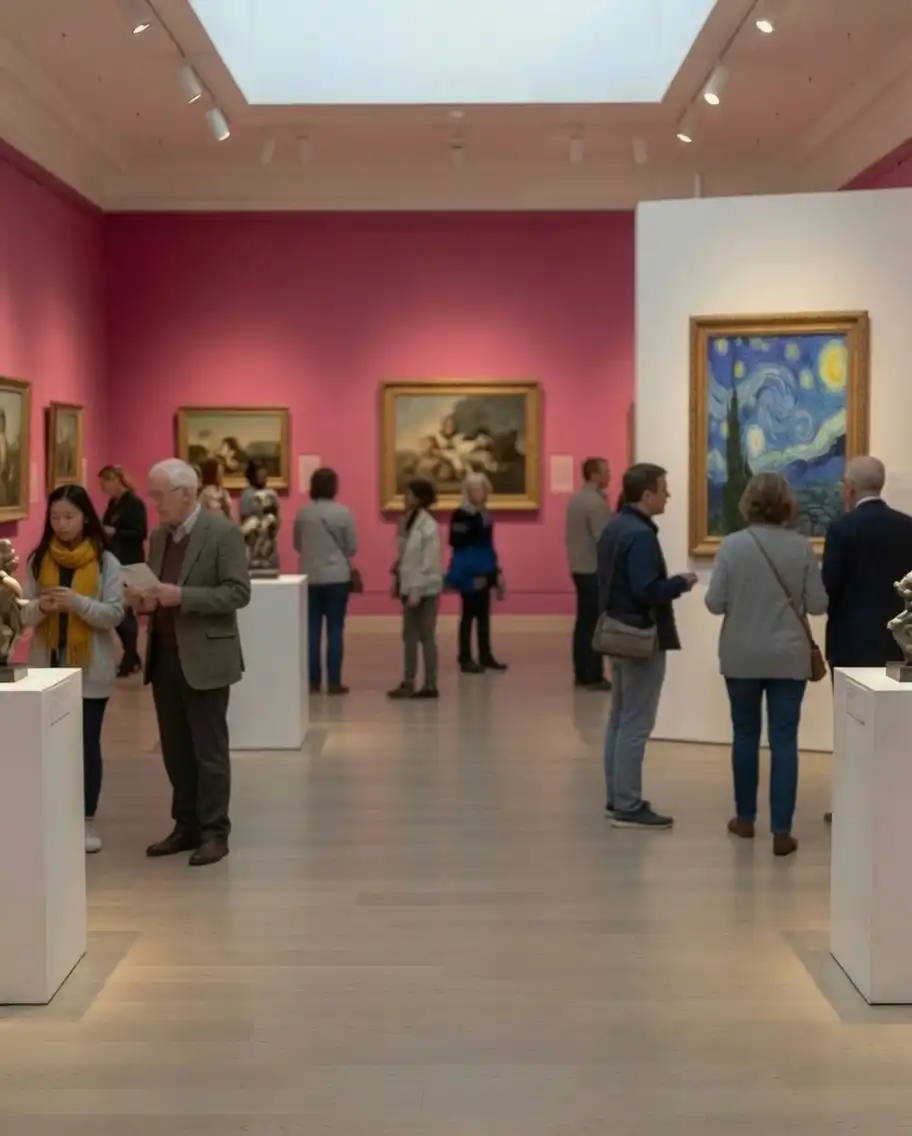
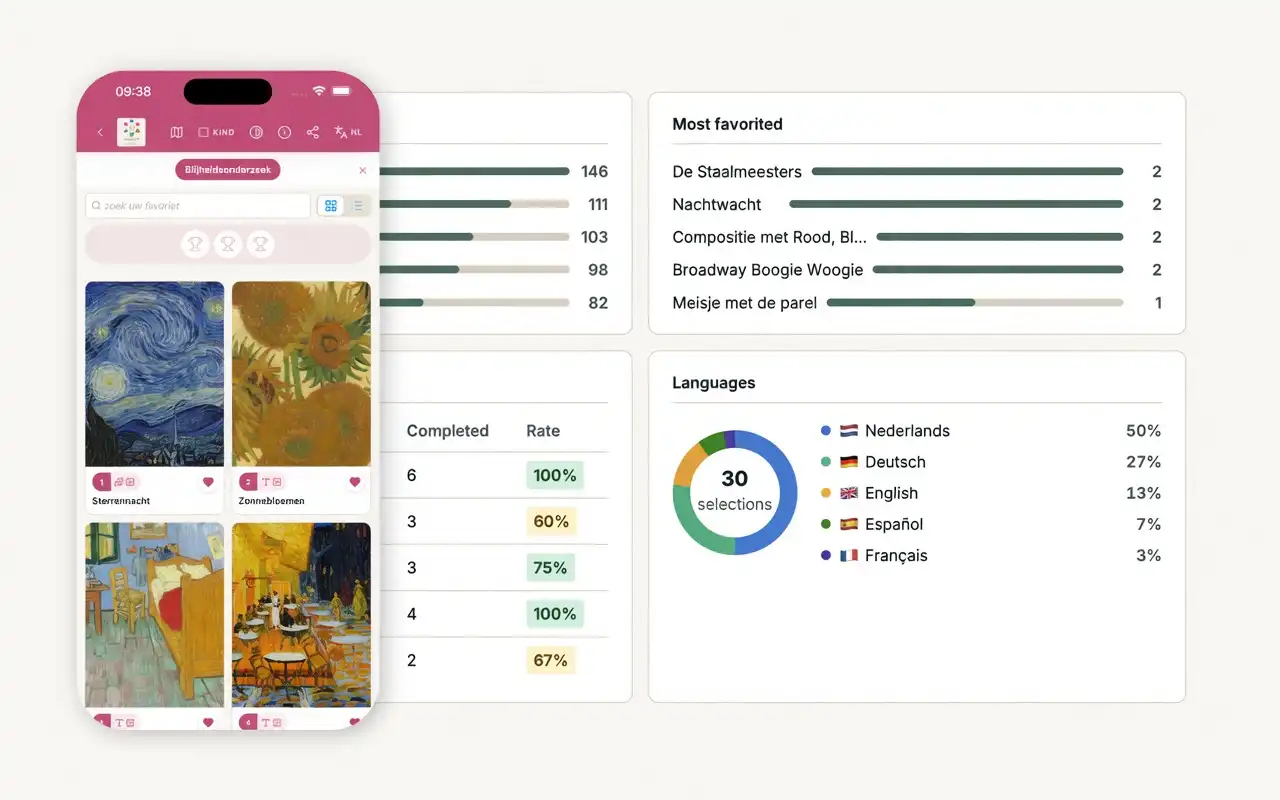
The museum app that lives in your visitor's pocket.
No app to download, because it's a PWA (Progressive Web App). No device to hand out. No queue at the guide desk.
infotainment.guide turns any smartphone into a fully guided cultural experience in the time it takes to scan a QR code — narrated audio, translated text, imagery and interactive stops, built entirely around your collection, in your visitors' own language.
A downloadable app asks for a commitment most visitors will never make before they've even walked through the door. A rented handset guide means a queue at the desk, a battery to track, a device to disinfect and return at the exit. A printed leaflet is out of date the day the exhibition changes, and in the recycling bin five minutes later.
None of that matches how people already experience everything else in their lives — instantly, on the device that's already in their hand.
That is the idea behind bring your own device (BYOD): visitors use their own smartphone as their guide, with text, photos, audio and video. Nothing to hand out, nothing to charge, nothing to collect at the exit.
How it works
A museum guide without an app download
infotainment.guide is built as a Progressive Web App — a web application that behaves like a native app without ever going through an app store. It opens directly in a visitor's existing browser and, from that moment, behaves like an installed app: full-screen, fast, and able to keep working even where museum Wi-Fi doesn't reach. If a visitor wants it on their home screen for a return visit, one tap adds it — no App Store review, no forced update, no data lost between versions.
Because there is no store release cycle, every content change goes live the moment it's saved. A new tour, a corrected translation, an updated opening time — visitors are always looking at the current version, never one that's several updates behind.
At the venue
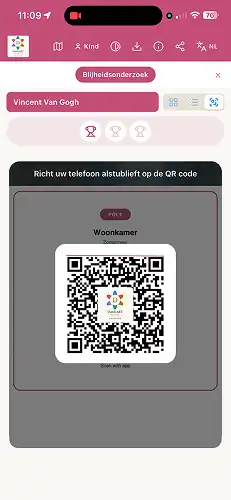
Tap, scan, touch, or let GPS find it
A QR code at the entrance opens the full tour. From there, visitors open each stop the way that suits the place: photo tiles, a list, a QR label, an NFC tag or, outdoors, GPS. See all five ways.
Anywhere, any time
Find the museum first, open the tour after
Every museum on the platform also has its own page on the locations overview — a museum can link straight to it from its own website, or a visitor can browse and open a tour before they've even left home. No venue visit needed to start exploring.
Opening a stop
Five ways to open a stop, chosen per tour
A tour through a quiet print room asks for something different than a walk through a castle garden. That is why the museum decides per tour how visitors reach each stop, and can combine several ways at once. Visitors switch between them with one tap, and stops they have already seen are marked, whichever way they opened them.
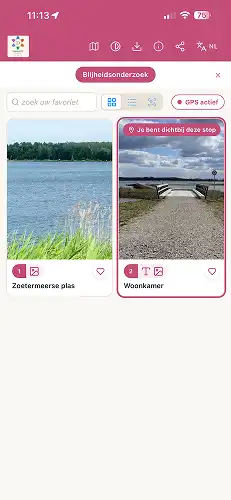
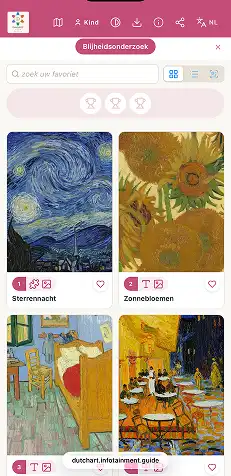
1. Photo tiles
Every stop is a tile with its own photo, so visitors recognise the object at a glance and tap it. Ideal for a free route where people wander at will. You choose the layout: classic, compact or with featured stops that stand out.
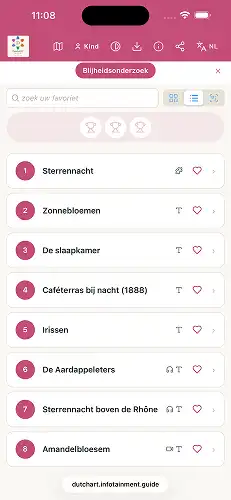
2. List
A clear list of all stops, searchable by number or name. Perfect when visitors follow the numbers on your labels, just like a classic audio guide but without the keypad.
3. QR code
The camera is built into the guide: a QR label at a stop opens that stop straight away, without leaving the app. Every stop gets its own QR code, ready to print as a PDF per stop or for the whole tour at once.
4. NFC tag
A small tag or sticker that visitors touch with their phone: no aiming, no camera, works in dim light. On Android the guide reads tags itself, so visitors stay in the app. On an iPhone a tag opens the stop in the browser, so a QR label next to it is the smoothest route there. A tag can open one stop or the start of a whole tour, and we write the tags for you.
5. GPS, outdoors
On a heritage site, a sculpture park or a city walk, visitors do not need to look for anything: the phone chimes and shows the stop as soon as they are close. You set the range per stop and how many automatic alerts a tour may give. GPS runs in the background alongside the tiles, list or scan screen.
Set up in the field
For GPS tours you capture each location by simply standing at the spot with your phone, using the field app of the management environment, and then try the route with a test walk before visitors do.
Mix and match: tiles and a list for the permanent collection, QR labels in a temporary exhibition, NFC tags on a hands-on trail and GPS for the garden, all in the same museum app.
What's included
Everything a guided visit needs, nothing it doesn't
Narrated audio guiding
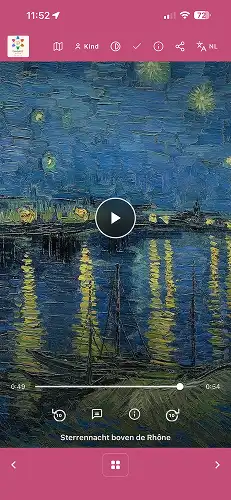
Narration for every stop, by a voice actor or by the engine in any language, synced with a readable transcript for visitors who prefer to read, or can't use audio.
Every language, included
Every visitor hears the tour in their own language — not an upsell, not a limited list, included from day one.
Tailored to who's visiting
A family with children and a solo adult visitor don't need the same tour. Audience variants are built into the same tour structure, chosen in a couple of taps.
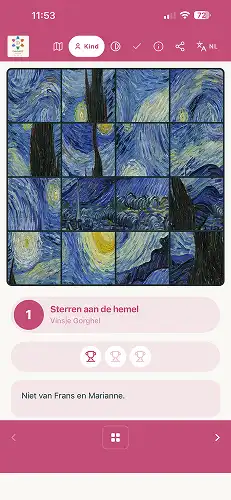
Quiz, trophies & a real reward
Stop-by-stop challenges that end in something concrete: a trophy shelf, and a redeemable reward code — not just a completion badge.
Each child, their own phone
A parent generates a QR code and PIN for each child straight from their own session — no email address needed. The child's phone opens the same visit with age-appropriate content selected automatically, and keeps its own favourites and progress.
Works without signal
Network-first caching keeps a tour running exactly where museum Wi-Fi and mobile signal don't reach — and flags visitors the moment new content is published, even on a copy they downloaded earlier.
Your identity, not a template
Colours, logo and homescreen icon match the museum's own brand throughout — nothing on screen says which platform is running underneath.
Ask the guide
A guide that answers back
Standing in front of a painting, a visitor wonders why the woman in the corner looks away. A printed label can't answer that. A human guide can, but isn't always there. infotainment.guide can: a teacher button on the image of every stop lets visitors ask their own question and get an answer within seconds.
For the visitor
Their question, their language
In their own language
A question asked in Japanese gets an answer in Japanese, whatever language the tour was written in.
At their own level
Children get an answer a child understands, adults get the depth they are after.
Based on your story
Answers start from the museum's own information about the work. Where that isn't enough, reliable sources on the internet fill in. Nothing is made up.
For the museum
Learn what your visitors want to know
Read and correct every answer
All questions and answers are in the management environment. Improve an answer once and every next visitor with the same question gets your version.
A free source of ideas
The questions visitors ask show exactly where a text falls short, or which work deserves a stop of its own.
Private and protected
Names and email addresses are never sent along. Built-in protection keeps robots from running up the bill.
The visit
How it flows, stop by stop
Arrive & scan
A QR code at the entrance, on a ticket or a poster opens the guide instantly. No download, no queue.
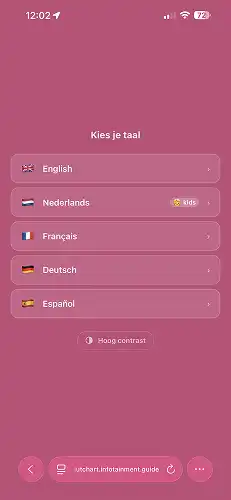
Choose a language
Every included language is one tap away — no separate handset to collect.
Follow the tour
Narrated stops, images, video and text guide each part of the visit, entirely at the visitor's own pace. A question about a work? Just ask the guide.
Play & reflect
Optional games and short surveys turn a passive walk into an active one — and give the museum real feedback.
Scale
Built exclusively for cultural locations
Unlimited tours
Included, not billed per tour
Unlimited languages
Included, not billed per language
Permanent & temporary
One platform for a decade-long collection or a six-week pop-up
Fully self-hosted
Your own database, your own data — no shared SaaS platform
Writing, translating, voicing
People first, with AI as a helping hand
Nothing beats a text written by your own curator, a translator who knows the subject or a voice actor who brings a story to life. That remains our first choice. But sometimes the budget is small, the exhibition opens next week or the tour has to be ready in eight languages. For those moments the engine is built right into the management environment.
Write texts
Give the name of a work and a few keywords and the engine writes an in-depth text for a stop or a tour description. You choose the style (narrative or plain information), the number of paragraphs and the length, for adults and children separately.
Translate texts
Translate a whole tour or a single stop into as many languages as you like in one go, including the children's version. You check every language before anything changes in the tour.
Write and translate podcast scripts
Turn a stop into a lively conversation between two to four speakers, for adults or for children. Review the script, pick a voice per speaker and translate it while keeping the speakers intact, with their names kept or adapted per language.
Voice it in every language
Every transcript, translation and script can be voiced by native speakers from a library of thousands of voices, including the source language. A pronunciation list per museum makes sure names and places sound right.
You stay the editor. Everything the engine produces is a draft that you read, adjust and approve: nothing reaches visitors until you place it in the tour. The price is on the button before you click, calculated per character, and every recording can later be replaced by a human voice in the same spot.
What powers it
Behind every guide, a real content system
Every stop a visitor sees on their phone starts life in infotainment.guide's own management environment, where museum staff — not developers — write stops, record or upload audio, manage translations and publish changes without waiting on a release. When time is short, the engine writes, translates and voices alongside them. Read how to create your own museum app step by step.
It's the same system running tours across permanent collections and short-term exhibitions alike, from single-room installations to multi-floor museums running a dozen tours in a dozen languages at once. And unlike a shared platform, it runs on its own server with its own database per museum — the museum's content and visitor data stay the museum's, not spread across a multi-tenant SaaS product.
infotainment.guide is made in the Netherlands by GuideXpresse.
Ready to meet your visitors where they already are?
See a live tour, running on your own phone, in a call that takes fifteen minutes. Pricing is public and a plan can be started the same day — no quote process to wait on.